

Public Wi-Fi Safety Guide — Nordshield VPN
Using public Wi-Fi without the guesswork
Cafe Wi-Fi, airport lounges, hotel networks and library hotspots all share the same basic issue: you do not know who else is on the network or how it is set up. This guide shows how a vpn helps on shared networks, and what still needs your own care.
Shared networks
What the actual risk looks like
Australian guidance frames vpn use on public networks as a way to make it harder for others to see your activity and location. On an unencrypted network, someone with the right tools on the same Wi-Fi can potentially capture what you send. On well-run networks the risk is lower — but you cannot tell which kind you are on just by looking.
That uncertainty is the whole point. A free vpn gives you one consistent layer whatever the cafe or hotel did behind the counter: encrypted transit between your device and the vpn server.
Open cafe hotspot
No password, many strangers, traffic easier to inspect. Use the vpn for everything here, especially logins and email.
Hotel and airport Wi-Fi
Password shared with everyone in the lobby. Better than open, still shared. Check the exact network name with staff before you join.
Library and coworking
Long sessions, same neighbours for hours. Keep the vpn on in the background and let it reconnect by itself if it drops.
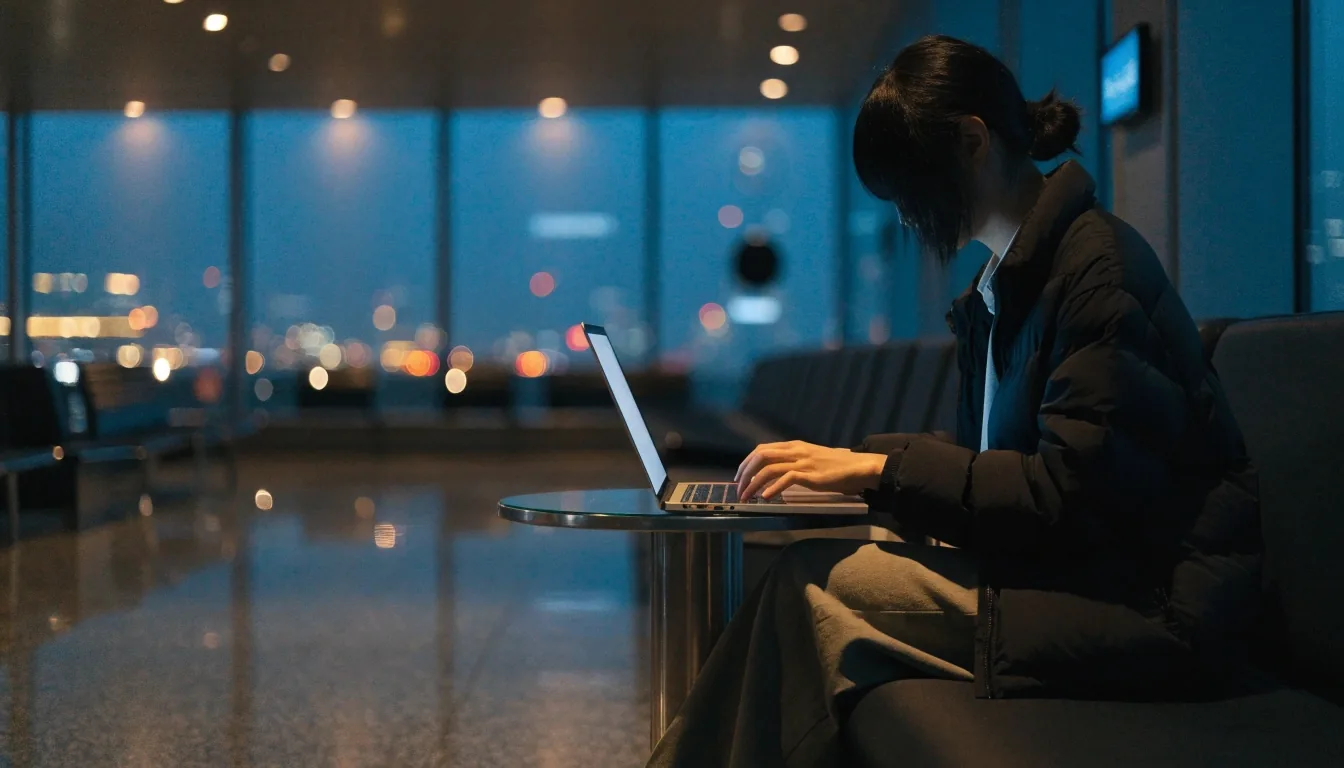
Airport lounges feel private. The network underneath is still shared with everyone in the room.
What a vpn does and does not fix
Encrypted transit between you and the server
When the vpn is on, the connection between your device and the vpn server is encrypted. Anyone else on the same cafe network sees scrambled data instead of the content of what you browse.
That covers the most common public Wi-Fi problem: neighbours on the same network inspecting traffic. It is a narrow job, and it does it well.
Remember — separate problems
It will not stop malware
If you install a bad attachment or app yourself, encryption cannot undo that. Keep your system updated and stick to known sources.
It will not spot phishing
A fake login page looks the same through a vpn. Check the address in your browser and never rush a link sent over message.
It will not fix bad choices
Sending card details over chat or reusing one password everywhere stays risky. A password manager plus the vpn is a stronger pair.
Most useful setting
The vpn kill switch, explained simply
A kill switch cuts your internet connection if the vpn drops, so you do not quietly fall back to an unprotected connection in the middle of a cafe session. The page goes still instead of leaking.
If your app offers one, turn it on for public networks. It is the single most useful feature for this use, and most paid apps include it. Some free plans include a basic version too — check the settings screen before you travel.
Practical rule: enable it once at home, so it is already on when you open the laptop in Sydney airport.
When you need exceptions
Split tunnelling, for when it is useful
Split tunnelling lets you route some apps through the vpn and others around it. Handy if you want your banking app on the normal connection while everything else goes through the vpn, or the other way round.
It adds complexity, so learn it before you enable it. Keep the sensitive apps inside the tunnel, keep only the one exception outside, and write down what you changed so you can undo it.
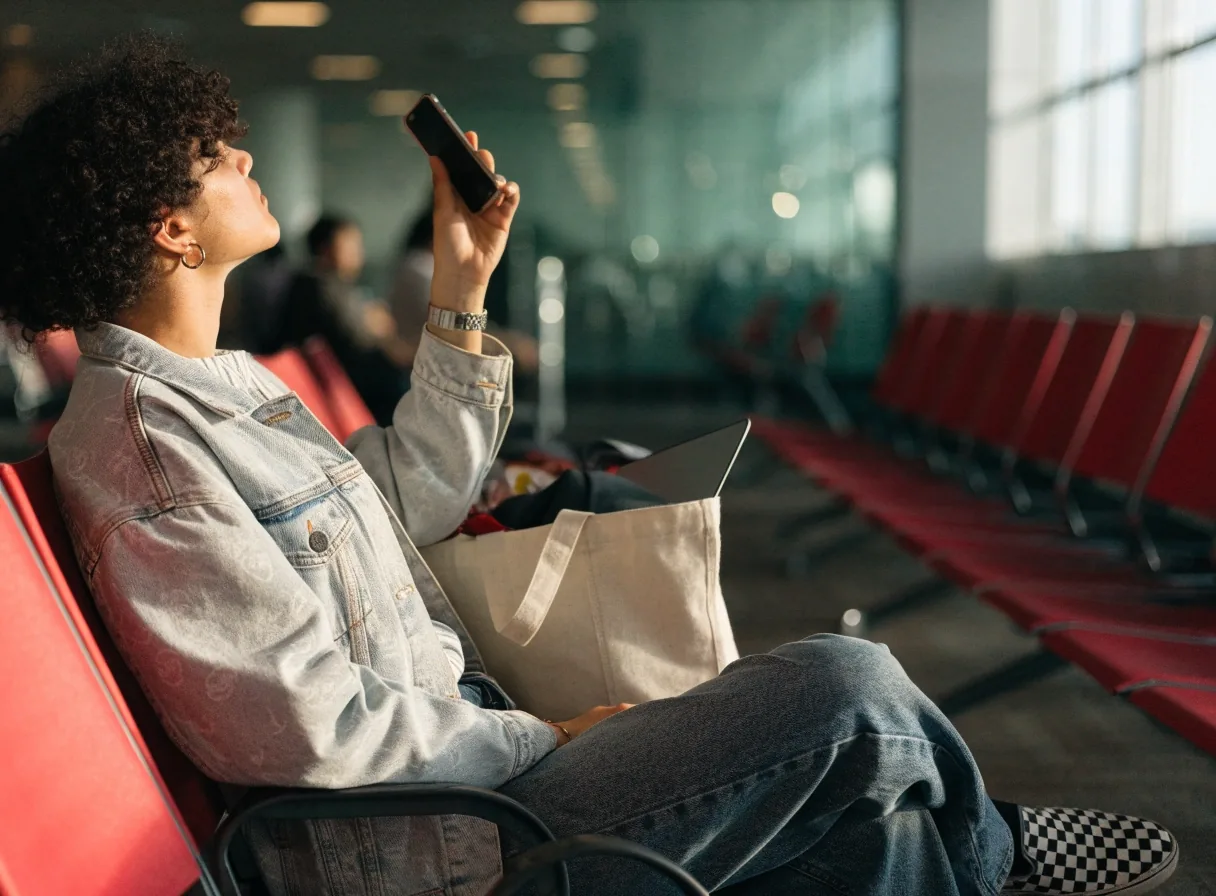
What to do before you connect
A minute of checking beats an hour of worry. Public networks are set up by busy staff, not security teams, so treat the join step as part of staying safe.
Confirm the name with staff
Ask at the counter which network is theirs. Copycat names with one letter changed are the oldest trick near busy cafes and terminals.
Prefer a password, even a simple one
Avoid networks with no password at all. A shared password is not strong protection, but it filters out passing traffic.
Do not ignore warnings
If your browser or phone flags the certificate or login page, stop. Do not click through to reach the menu faster.
Watch the login form
If a hotspot asks for a full name, address or unusual permissions before letting you on, it is often poorly run. Use mobile data or move on.

Public Wi-Fi does not require an Australian IP
Worth stating plainly, because it comes up constantly. Encrypted transit is all you need here, and free vpn plans provide that on their default servers.
You do not need a Sydney exit and you do not need a paid plan to browse safely on a cafe network. Save the Australian server choice for the days you actually need local content.
How Australian servers differHabits that matter more than the app you choose.
A vpn is one layer. The habits around it are the rest — and they are what keeps most people out of trouble on shared networks.
Keep your system updated before long days on library or coworking Wi-Fi.

Use a password manager so each login stays unique.
Avoid logging into anything sensitive on a network you do not trust. If it can wait until you are home or on mobile data, let it wait.
Small delay now, fewer headaches later.
For this specific job
Free versus paid on public Wi-Fi
When a reputable free plan is enough
For occasional cafe or airport browsing, a reputable free plan usually covers it. The main constraint is data, so save the vpn for the sensitive parts — email, logins, banking checks — and drop it for streaming or large downloads.
Default servers are fine here. You are buying encrypted transit, not a location.
When paid is less frustrating
If you work from public Wi-Fi most days, a paid plan with a kill switch and more data is calmer. No counting megabytes, no mid-meeting drop to an open connection.
Compare free plan limitsQuick answers before you head out
Short answers to the questions we hear from readers in Sydney cafes and terminals. For plan details and data caps, the comparison and FAQ pages go deeper.
Do I need the vpn on the whole time in a cafe?
Leave it on while you are on the shared network. If your free vpn has a data cap, prioritise logins, email and anything with personal details, and save video for later.
Is a password-protected hotspot already safe?
Safer than an open one, but the password is shared with everyone around you. Keep the vpn on — it adds encryption that does not depend on how the venue set up its router.
What if the vpn disconnects mid-session?
Without a kill switch you can slip back to the open network without noticing. Turn the kill switch on where available, and pause sensitive tasks until the vpn shows connected again.
Can I ask someone local for help?
Yes. Our team in Sydney — Level 14, 333 George Street, Sydney NSW 2000, Monday to Friday 9:00 AM to 6:00 PM, on +61 2 9210 5500 — can walk through settings for public networks.
Next step
Browse the next hotspot with a clear head.
Check how free plans handle data and servers, then set up the kill switch once at home.